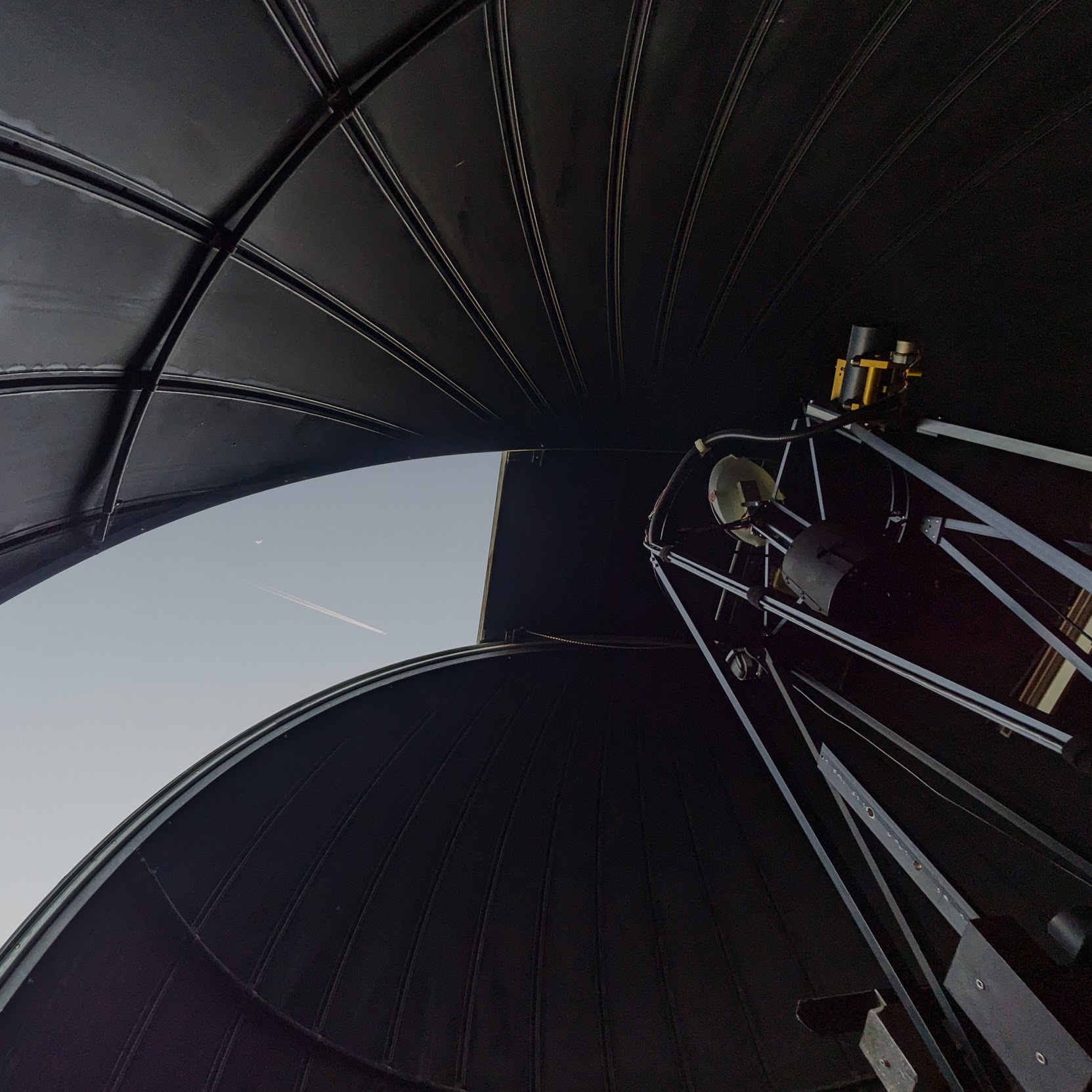
Lab 0.0: Observing Basics#
Due: Wednesday, April 2 before observing. No need to submit to Canvas, just bring it to the observatory.
This lab introduces the fundamentals of using a telescope to take images. By the end of this lab, you will be able to:
identify key constellations and stars, the ecliptic, and describe how the Moon, the Sun, planets and stars appear to move during the course of the night
detail the criteria an object has to meet to be considered observable
locate and image an astronomical object with a camera through multiple filters
Before Arriving at the Observatory#
Select one object that you would like to observe at the telescope from the Messier catalog (here or here) and/or from the seven non-Earth planets in the solar system.
Use Wikipedia, SEDS, Wolfram-Alpha or planetarium software to find the current positions (RA or Right Ascension and DEC or Declination), angular sizes, and respective brightness of the objects. We highly recommend using the planetarium software Stellarium for this since you will be using it at the observatory. There are a couple of pointers to help you with your choice:
Keep in mind that your objects have to fit in the respective fields of view (FOV) of the telescopes. The FOV of both the 0.7 m and the 24” telescope is \(27'\times18'\) (the CCDs have \(9576\times6388\) pixels, or \(0.17\) arcsec each)
Even though a particular object is above the horizon, it might not be visible due to the terrain obstacles at the observatory. In general, the closer to the zenith, the better. As a rule of thumb, objects with altitude less than \(\sim30^{\circ}\) will be obscured for the 0.7 m by trees and the 24” dome. The planetarium software will give you the object’s altitude if you change your location to Stanford.
Brighter is not always better! The shortest exposure time you can achieve with the CCDs at the Student Observatory is \(\sim0.1\) s, which, for some objects, like those with negative magnitudes, is still enough to saturate the CCD and render your observations useless. A good rule of thumb is that the object should not be visible to the naked eye. (You can read more online about magnitudes. In short, they are a system for expressing the brightness of various objects. The lower the magnitude of an object, the brighter it is. The full Moon has a magnitude of about -12, the star Vega is 0, and you can see objects down to about 6th magnitude with your naked eye.)
Use the Object Visibility webpage to plot the object paths for your observing night. Set the Observatory to “Lick Observatory,” just East of San Jose. Enter the coordinates for your target. Make sure you see a line, otherwise pick a different target! Save a copy of the images made in
staraltandstartrackmodes, and either print or download to a device you will bring to the observatory. Write down the angular size and brightness of each object somewhere on the page.Most targets can be difficult to identify at the observatory. The object database at the observatory may not contain certain object names either. To prepare for observing, use the Aladin applet or the IRSA finder chart software to save a PDF “finder chart” of the object. The chart should contain at least twice the area of the FOV and should have clear scales in arcminutes.
Read the very short passages about calibration in Lab 0.3. You will need to have a basic understanding of darks, flats, and biases for your first night of observing.
At the Observatory#
Arrive at the Observatory early to familiarize yourself with the night sky. Be prepared to discuss the questions below. If you have time, answering some of them at home with the help of Stellarium would be great! No need to write down the answers to these.
Which way is North? East?
What do you observe about the quality of the night sky and the horizon at the Observatory? What may affect observations?
Where is the ecliptic on the sky? Are there any planets visible?
Identify some constellations. Which constellations are overhead or at the eastern and western horizons?
Over the course of the evening, can you detect any motion in the stars and the Moon? Which direction are they moving?
The TA will walk you through the telescope operations to acquire an image of an object. As time permits, observe your preselected objects in three filters (blue, green, and red). We will use astrometric stacking software (e.g. ASTAP; described in Lab 0.2) to add information to your images that will allow us to readily add them together. In the later parts of Lab 0, we will combine them to make a color image for the object you observed. Detailed directions will be provided at the observatory and the Computer Lab.